
EveryAlarmEX
Bannou Alarm (万能アラーム)
“Weekdays only”, “never on public holidays”, “the 2nd and 4th Tuesday” — EveryAlarmEX lets you set alarms for schedules that a simple weekly repeat cannot express. A timer and a stopwatch are built in as well.
Platform: Android / Price: Free (ad-supported)
Features
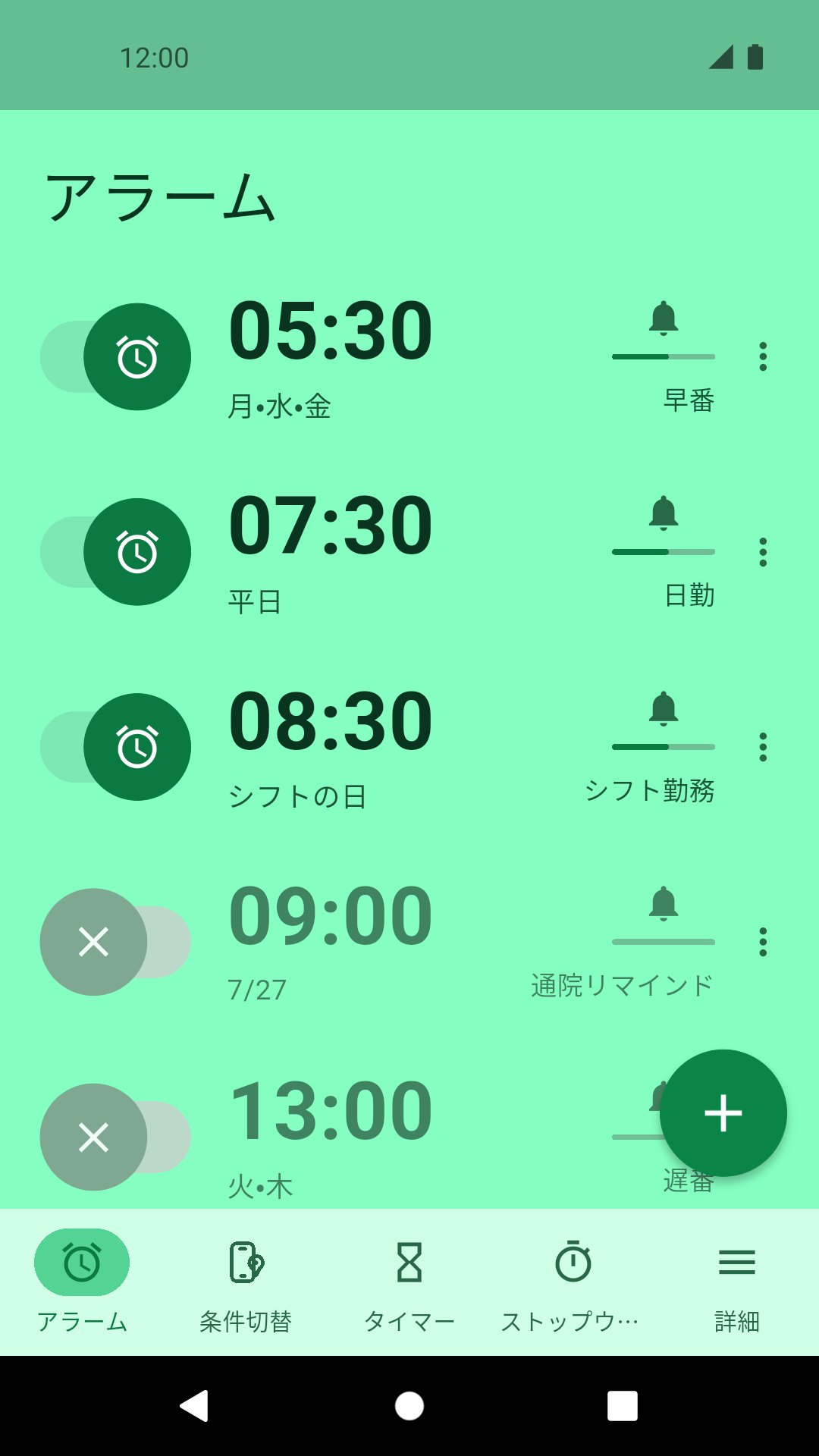
Decide exactly which days an alarm should ring, beyond a plain daily or weekly repeat.
-
Day of week
Pick any combination of days from Monday to Sunday. Patterns such as “weekdays only” or “weekends only” take a moment to set up.
-
Specific dates
Ring on a particular calendar date — useful for appointments and one-off events.
-
Holiday conditions
Skip public holidays, or ring only on them. Holiday data is retrieved for your country or region.
-
Complex repeat rules
The 2nd and 4th Tuesday, every other week, or a rotating shift cycle — schedules a simple weekly repeat cannot describe.
-
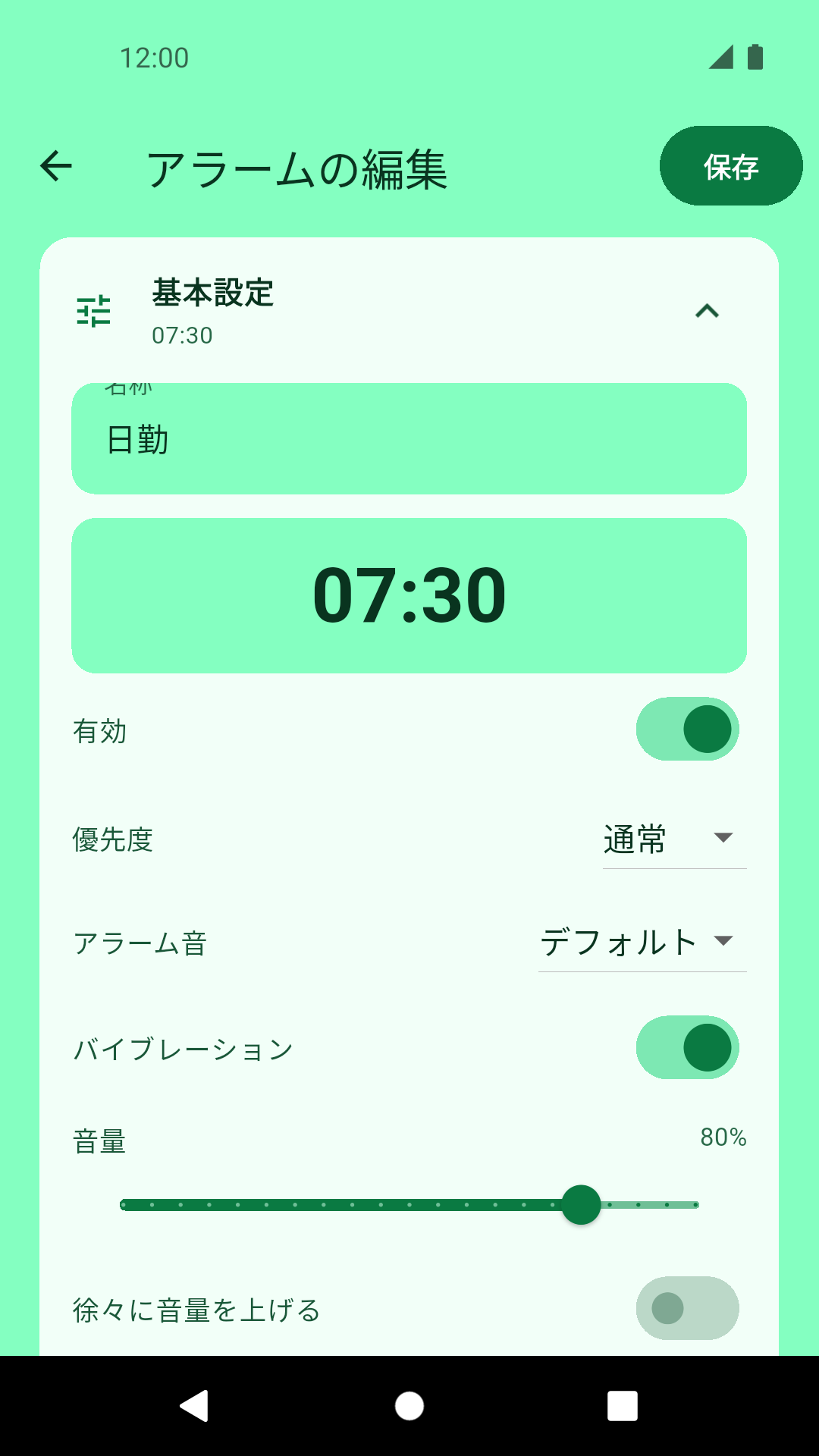
Snooze
Set how long to wait before an alarm rings again. You can also choose the snooze length for that one time directly on the ringing screen.
-
Timer
A countdown timer for cooking and focused work, in the same app as your alarms.
-
Stopwatch
Measure elapsed time with laps, and share the result as text with other apps.
-
Place and time conditions
Switch how alarms behave based on entering or leaving a place, or on the time of day. Location is evaluated on your device only.
-
Japanese and English
The interface follows your device language, with Japanese and English supported.
Screens
Screenshots from the app.
-
Alarm list
-
Alarm settings
-
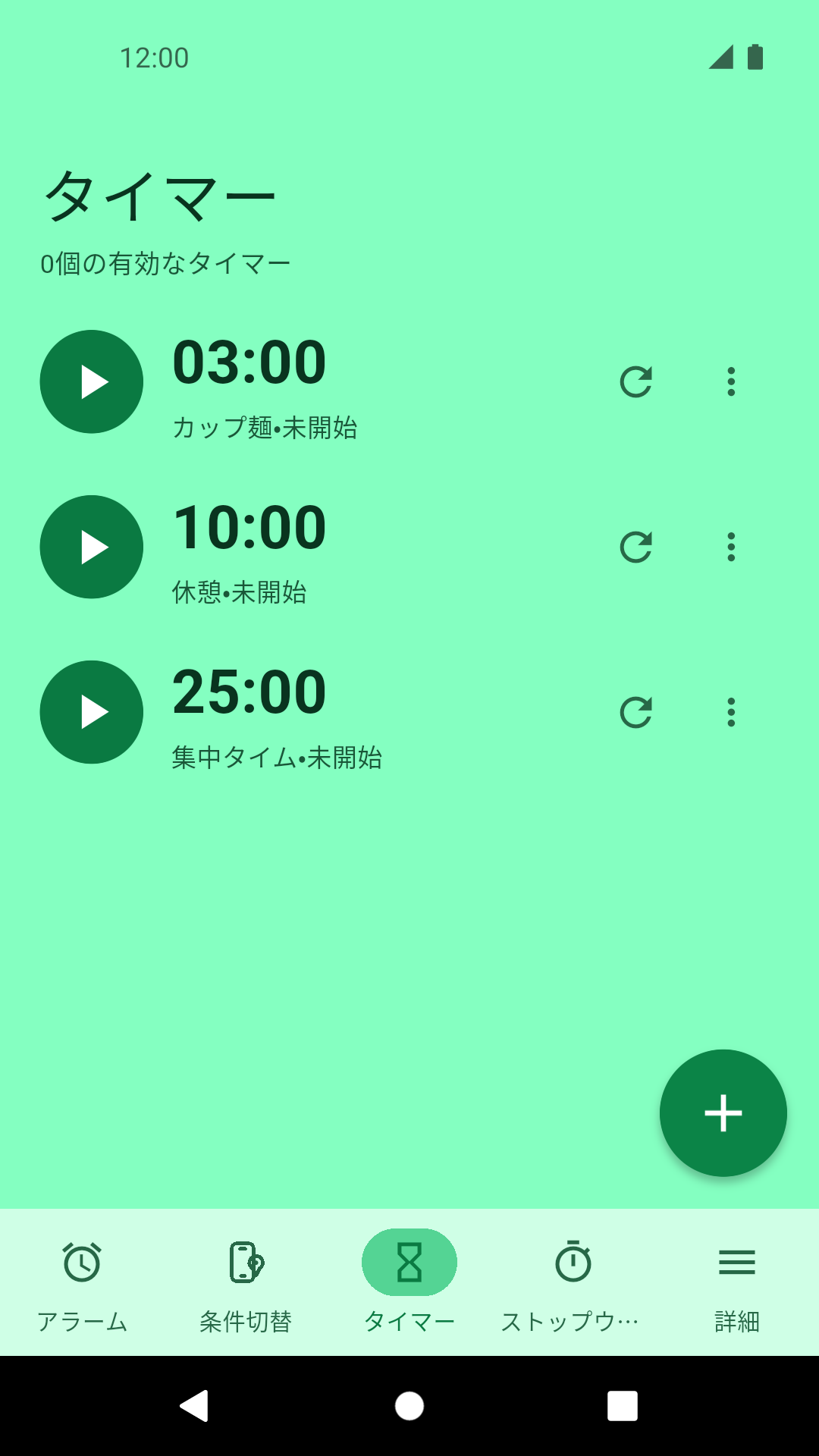
Timer
-
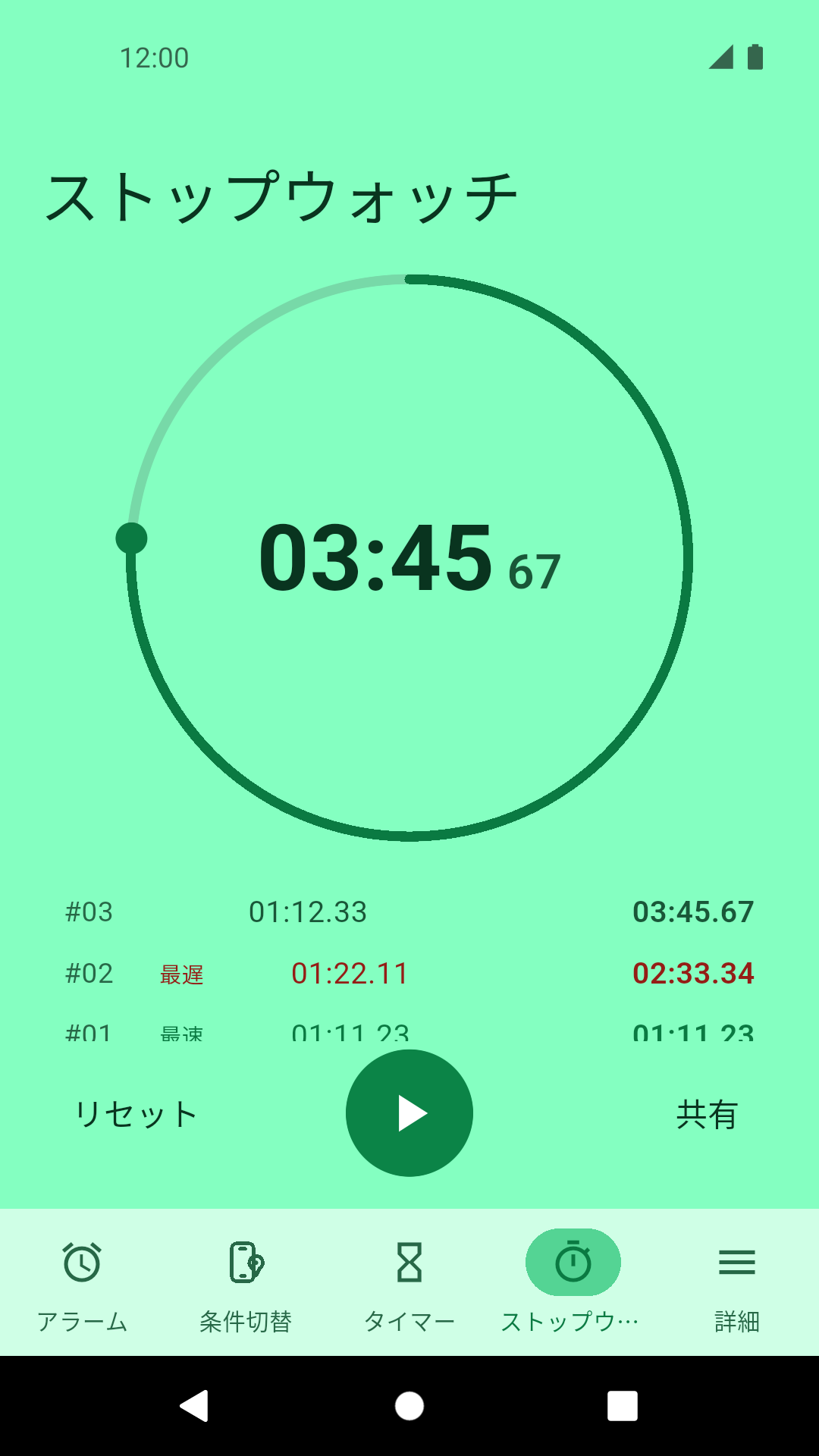
Stopwatch
Support
For bug reports, feature requests and any other questions, please use the contact below.
Contact
Email: omuta.s1@gmail.com
When reporting a problem, including your device model, Android version and the app version helps a great deal. Please allow some time for a reply.
Privacy
See the Privacy Policy for how information is handled.
Your alarms and timers are stored only on your device and are never sent to the developer.